From install to hidden in a minute.
Draw your pattern
Connect at least six dots on the 5×5 grid. Draw it twice to confirm.
Save your phrase
Write the nine words on paper, or use a sentence of your own. Keep them away from the phone.
Add files
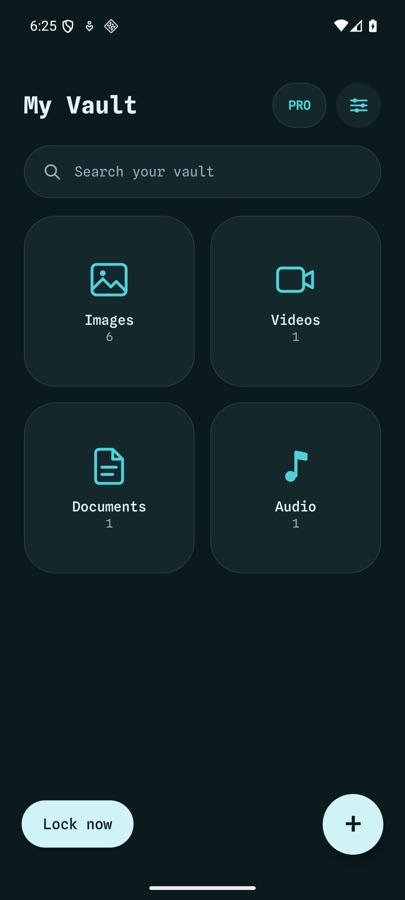
Tap + and pick photos, videos, documents or audio. Then delete the originals from your gallery.
Open, look, lock.
Draw your pattern or use your fingerprint. Tap Lock now, or just leave the app and it locks itself.
Your phrase gets you back in.
Tap “Use recovery phrase”, type it, then draw a new pattern. Your old pattern stops working.
lantern · copper · meadow
orbit · thistle · canyon
Go further.
Add another vault
Settings → More vaults. Draw a new pattern. It opens a vault of its own.
Make a backup
Settings → Backup. Export once, or schedule weekly or monthly backups to a folder.
Hide the app
Settings → Custom icon (Pro). Pick a picture and a name, and Sealcloak looks like another app.
Moving to a new phone.
Export
On the old phone, export a backup of each vault.
Copy
Move the backup files over with a cable, a USB stick or any app.
Import
Install Sealcloak, choose Import a backup, and type that vault’s recovery phrase.